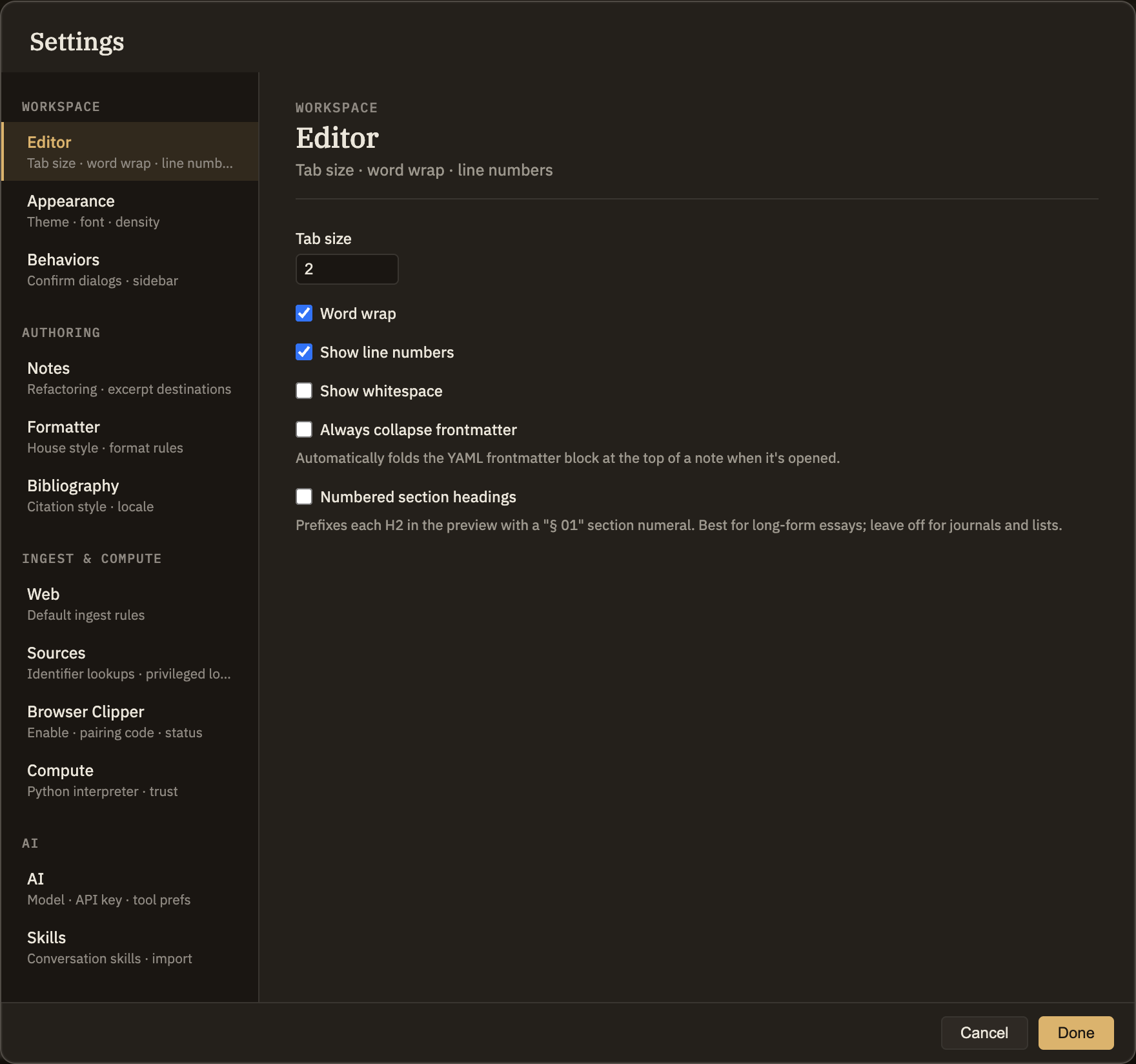
Editor
These are the few preferences that fine-tune how it feels to write in Minerva. Most people never need to open this tab — the defaults are sensible — but if you like your editor set up a certain way, here's where to do it.
Tab size
How far a tab or automatic indent moves the text. Default 2.
Word wrap
Default on. Long lines wrap to fit the width of the editor instead of running off the right edge.
Show line numbers
Default on. Shows numbers down the left edge of the editor.
Show whitespace
Default off. Marks spaces and tabs with faint dots and arrows — handy when you want to see exactly how a line is indented.
Always collapse properties
Default off. Automatically folds the properties block at the top of a note when you open it, so you land straight in the writing. Click to unfold it any time.
Numbered section headings
Default off. Adds a section number in front of each second-level heading when you read a note — nice for long essays, distracting for journals and lists. It's just a reading touch; your headings aren't changed, and turning it off removes the numbers again.