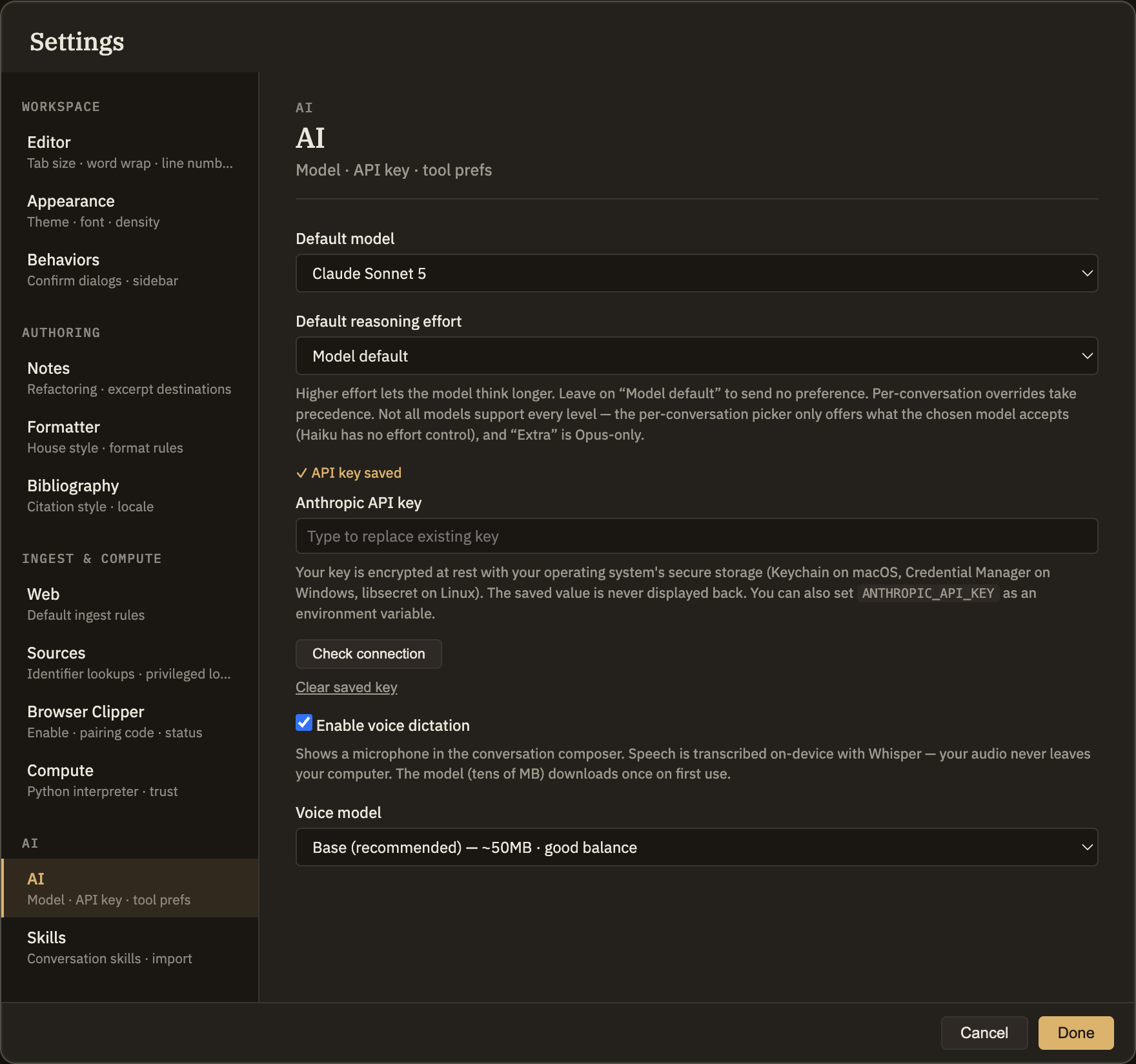
AI
This tab sets what every new conversation starts with — which model it uses and how hard that model thinks — plus the keys for the AI services you want to use, and voice dictation. If you want a particular thinking tool to use a different model, that's set on the Skills tab; here you're setting the defaults everything else falls back to.
Default model and effort
Two dropdowns pick the starting point for a fresh conversation. They're only defaults: each conversation has its own model and effort pickers that override them, and changing them here never disturbs a conversation you already have open.
Bring your own model
Minerva talks to four kinds of AI service. You only need to set up the ones you intend to use — a key for one is enough to get started, and you can add others later without disturbing anything.
Keys
Each service gets its own section with its own key. A line above the field tells you whether one is saved, and says encrypted at rest when your operating system provides a secure store for it. For your privacy a saved key is never shown back to you and can't be copied out of the field.
ANTHROPIC_API_KEY, OPENAI_API_KEY, GEMINI_API_KEY). A key saved here takes precedence over one in the environment.Everything else in Minerva stays on your machine. A conversation is the exception — the parts of your notes the assistant looks at are sent to whichever service that conversation is set to use. Picking the model is therefore also picking who that is, which is the main reason the choice is per conversation and not buried in a preference.
Running models locally
The Local / OpenAI-compatible section takes a base URL instead of assuming one — http://localhost:11434/v1 for a default Ollama install, or wherever your server actually listens. Most local servers don't need a key; leave it blank if yours doesn't.
Minerva can't know what your endpoint serves, so you list the models yourself: type the model's id (the name the server knows it by, like llama3.1:70b) and, if you like, a friendlier label to show in the pickers. They then appear alongside the built-in models everywhere a model can be chosen. Remove one and it disappears from the pickers; conversations already using it keep their setting.
Voice dictation
Turn on Enable voice dictation to speak instead of type, and pick a voice model from the dropdown beside it. Dictation runs entirely on your own machine — your audio never leaves it. The first time you use it, the voice model downloads once and is then ready to use offline.