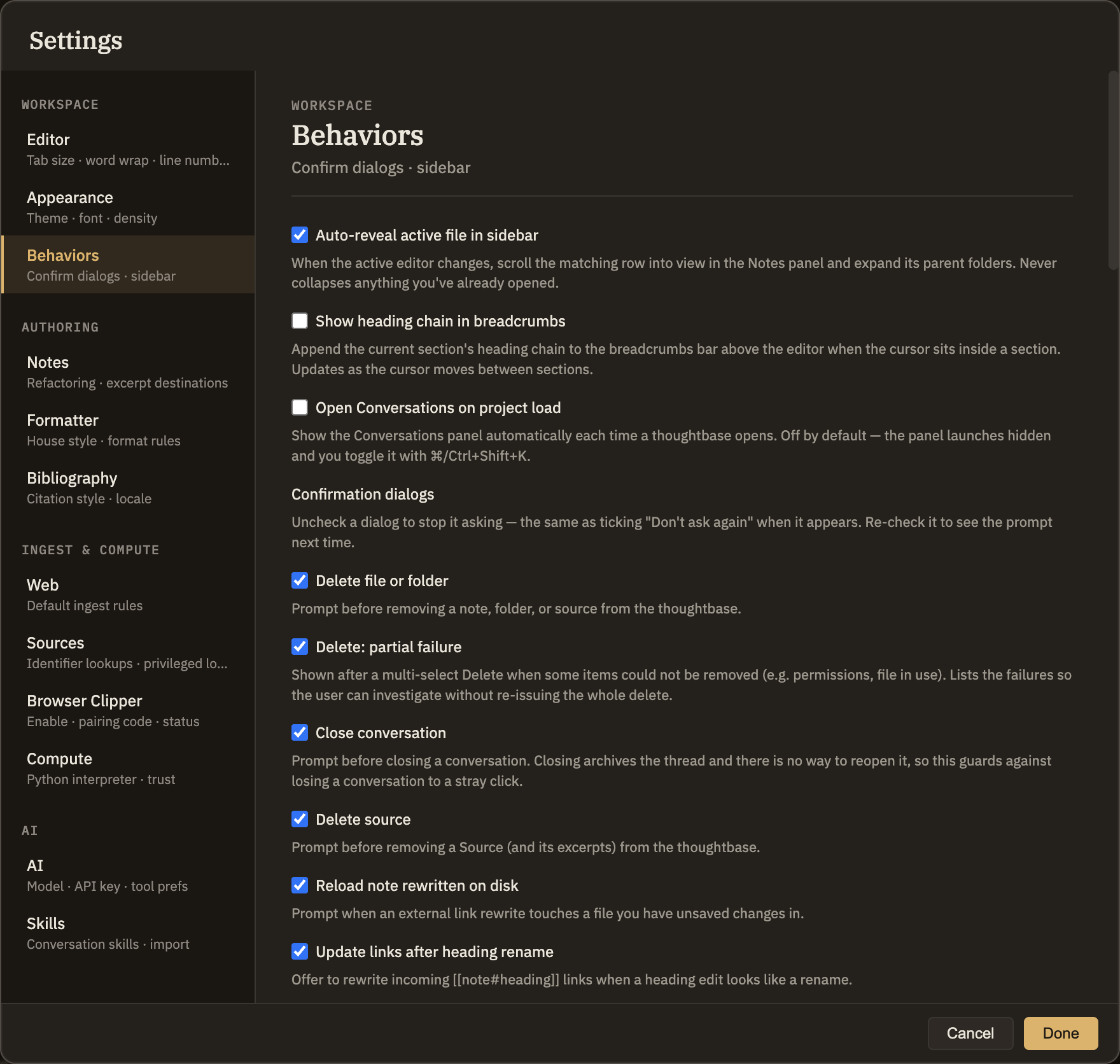
Behaviors
Two small toggles that fine-tune how the app follows along as you work, plus a place to switch confirmation prompts back on after you've told Minerva to stop asking. Nothing here changes what Minerva can do — only how much it chimes in while you do it.
Behavior toggles
These two checkboxes take effect right away.
Confirmation dialogs
Whenever Minerva asks you to confirm something — deleting a note, closing a conversation, and so on — the prompt includes a "Don't ask again" option. Once you use it, that prompt stops appearing. This list is where you can turn any of them back on.
Each prompt gets its own row with a checkbox: checked means it still asks, unchecked means you've silenced it. Turning one off here is the same as ticking "Don't ask again" when the prompt shows up. Every prompt is independent — silencing one never quiets another, even when two cover similar situations.