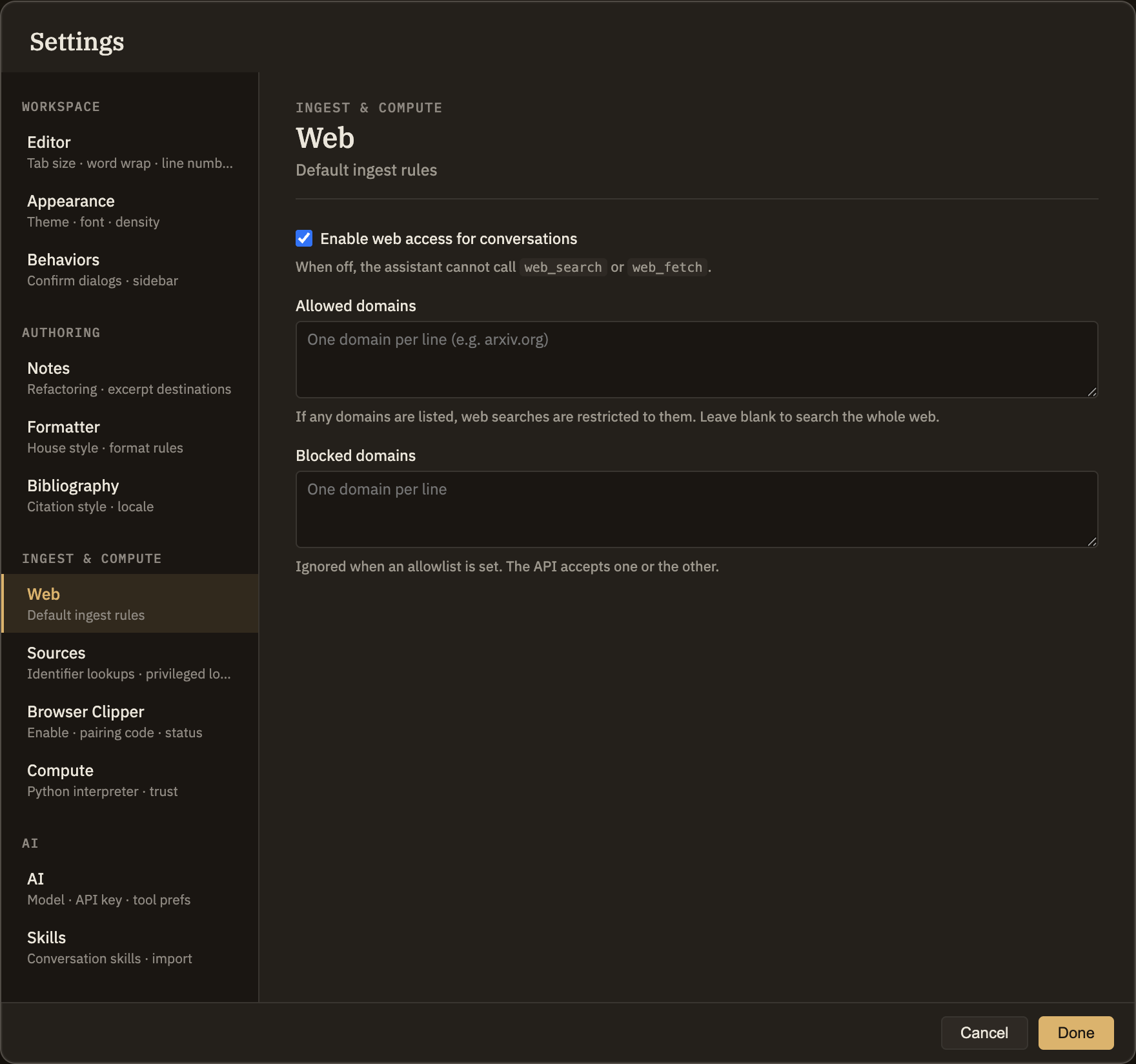
Web
When you chat with the assistant, it can reach out to the web to answer questions that go beyond your own notes. This tab decides whether it may do that, and which sites it's allowed to draw from. To see how web results appear in a conversation, visit Chatting with the AI.
The settings
Enable web access for conversations
The main switch. When it's on, the assistant can look things up on the web whenever a question needs information beyond your notes. When it's off, it works only from what's already in your thoughtbase. On by default.
Allowed sites
List trusted sites here, one per line (for example,
arxiv.org), and the assistant will search and read only those. Leave it blank to let it search the whole web.Blocked sites
List sites here, one per line, to keep them out of web results. This applies only when the allowed-sites list is empty.
Good to know
If you fill in the allowed-sites list, it takes over completely and your blocked-sites list is ignored — the assistant sticks to your trusted sites and nothing else. So if web results seem to be leaving out sources you expected, check whether you've added anything to the allowed-sites list.