Flashcards
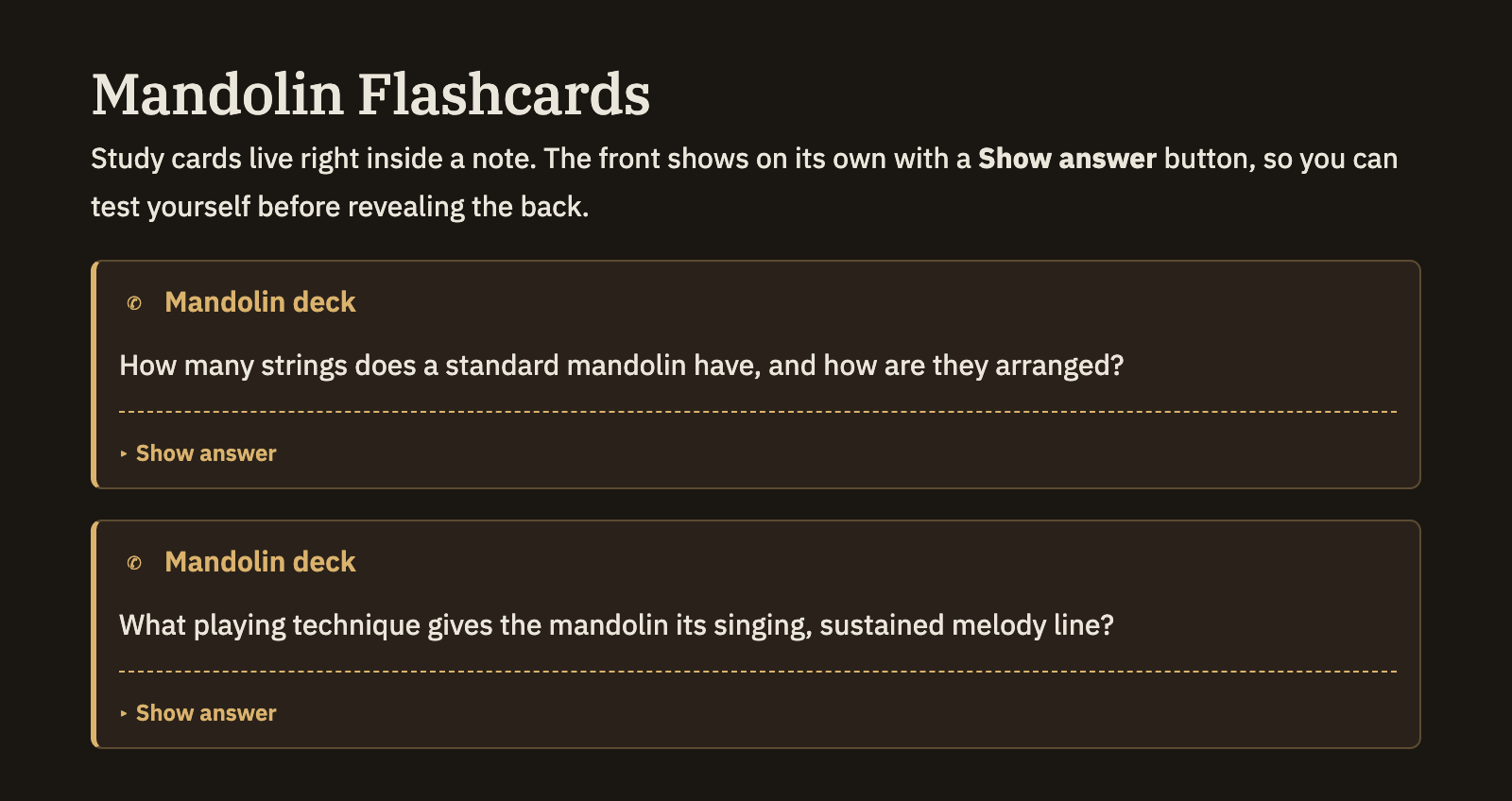
A flashcard is a two-sided prompt for study, written right inside a note: a question on the front, the answer on the back. In the note the front shows on its own with a Show answer button, so you can test yourself before revealing the rest. You can scatter cards through your notes wherever a fact is worth remembering.
Writing a flashcard
Start a quote block and make its first line [!card]. Put a line with three dashes — --- — in the body: everything above it becomes the front of the card, and everything below it the back. When you're done writing, the note shows just the front with a Show answer button; click it to flip the card over.
Any text you add after [!card] becomes the card's title — a handy place to name the deck a card belongs to.
> [!card] Biology deck
> What organelle produces most of a cell's energy?
> ---
> The mitochondrion.
The front and back can hold anything a note can — bold text, links, images, math, even a picture to identify. A card without a --- divider simply shows its front with nothing to reveal, which is fine for a plain prompt or reminder.
Turning cards into a study session
Flashcards you write this way aren't just for reading in place — you can gather them up and review them as a deck, or send them out to study elsewhere. See Flashcards export for collecting and sharing them.
Good to know
- A card is a kind of callout. It's written like the titled boxes on the Callouts page, just with the special
cardlabel and a front/back divider. - One divider per card. The first
---splits front from back; keep the rest of the card to those two sides. - Name your decks. Give related cards the same title after
[!card]so they read as one set.