Task lists
Turn any list item into a to-do by starting it with a checkbox. In your note it shows up as a real checkbox you can tick off with a click — a simple way to keep a running list of things to do right inside your writing.
Writing a task
A task is just a list item whose text begins with a checkbox marker and a space:
- [ ] textNot done. Shows an empty checkbox. Your list can be bulleted or numbered — either works.
- [x] textDone. Shows a ticked checkbox.
indented item
Sub-task. Indent a task under another to make it a sub-item. Sub-tasks are independent — checking a parent doesn't check its children.
Remember the space after the closing bracket. An empty task with no text after it is fine too.
- [ ] Draft the outline
- [x] Circulate for feedback
- [ ] Incorporate comments
  - [x] Section 2 rewrite
  - [ ] Section 4 rewrite
- [ ] Final pass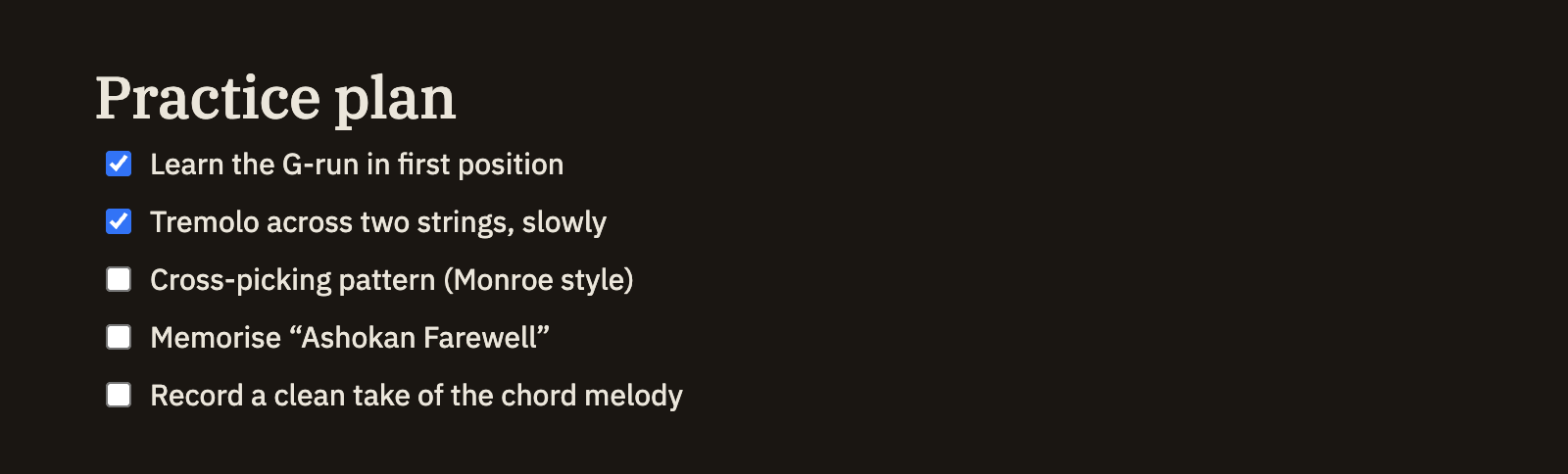
Ticking things off
Every checkbox in your note is clickable. Click one to check it or uncheck it — the rest of the item stays exactly as you wrote it, and nothing else in the note changes. Your click is saved just like any other edit you make.