Callouts
A callout is a titled, colored box that makes a passage stand out from the text around it — a note, a tip, a warning, a quote. You write one as a quote block that starts by naming its kind. (One kind, the card, becomes a two-sided flashcard — that has its own Flashcards page.)
Writing a callout
Start a quote block and make its first line [!type], where type is the kind you want. Everything below that first line becomes the body of the box.
> [!tip][!note][!type] also becomes a callout, even without the leading >. This form is always shown fully expanded.> [!tip]++ and the box can be folded shut with a click, but begins expanded.> [!tip]-- and the body stays hidden until you click to open it.> [!tip] Your own titleAn example, plus the shorthand form:
> [!warning] Before you continue
> This changes every note. Back up your work first.

> [!tip]-
> Collapsed by default — click to expand.

[!note]
No leading > required — this still becomes a callout.
The kinds you can use
Each kind comes with its own icon, a default title, and a color. Pick whichever fits what you're saying — and if you type a kind that isn't in the list, it still works: it just gets a neutral dot icon and its name as the title, which makes it easy to invent your own labels.
noteinfotipsuccessquestionwarningfailuredangerbugexamplequoteabstracttodocard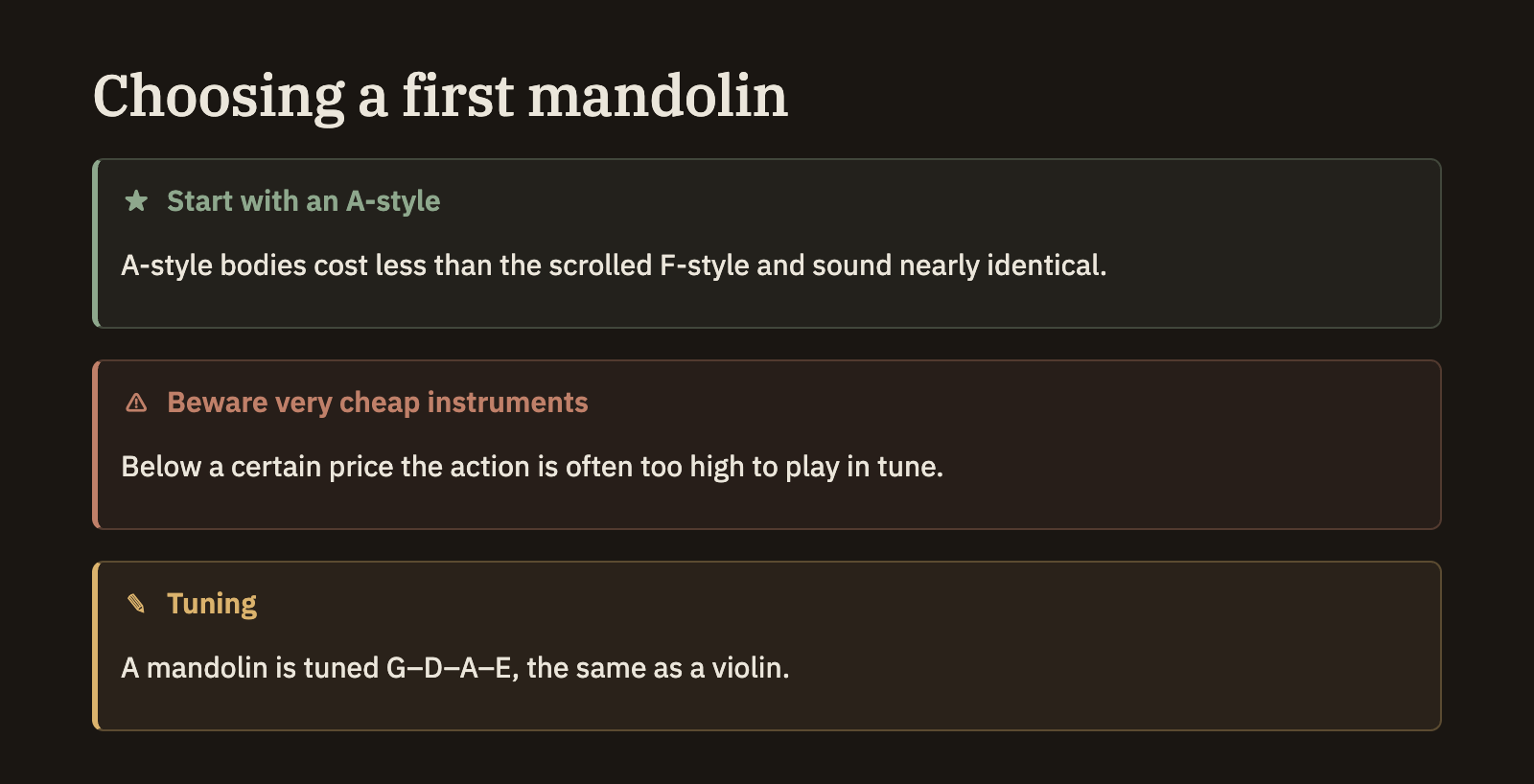
You aren't limited to the kinds above. Type any name — say [!idea] — and it still renders as a tidy box, titled with that name. This makes callouts a flexible way to mark up your notes however you like.
Good to know
- Callouts can nest. Put a callout inside another callout to group related boxes.
- Only quote-block callouts fold. The shorthand form (no leading
>) is always fully shown; to make a box collapsible, use the quote-block form with+or-. - Kind names ignore capitalization.
[!Warning]and[!warning]mean the same thing.