Docs/Navigation/Command palette
Command palette
The command palette is a keyboard launcher for everything Minerva can do. Press ⌘K (or CtrlK on Windows and Linux) from anywhere, type a few letters, and press ↵ to run the highlighted command — no hunting through menus. It finds commands and actions; to jump to a note, source, or saved query by name, use Quick switch instead.
The palette floats over your note without dimming or covering it, so you can still see what you're about to act on as you type.
Browsing everything
Open the palette with nothing typed and it lists every command Minerva offers — creating notes, editing, viewing, navigating, refactoring, research, queries, and app-wide actions. Commands you've run recently appear at the top, most recent first; everything else follows in alphabetical order.
Finding a command
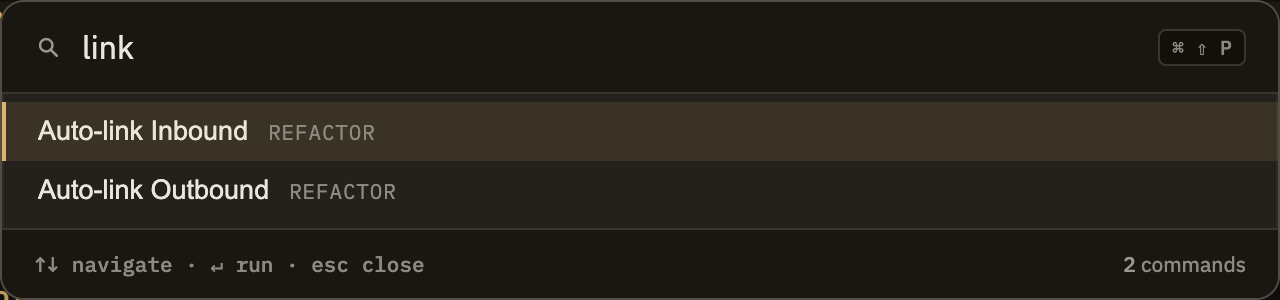
As you type, the list narrows and re-sorts to put the best matches first. You don't have to type a command's exact name — a few letters from anywhere in it usually gets you there, and initials work too (type nn to find "New Note"). Commands you've used recently are nudged toward the top, so the things you reach for most stay close at hand.
If nothing matches what you typed, the palette simply tells you so.