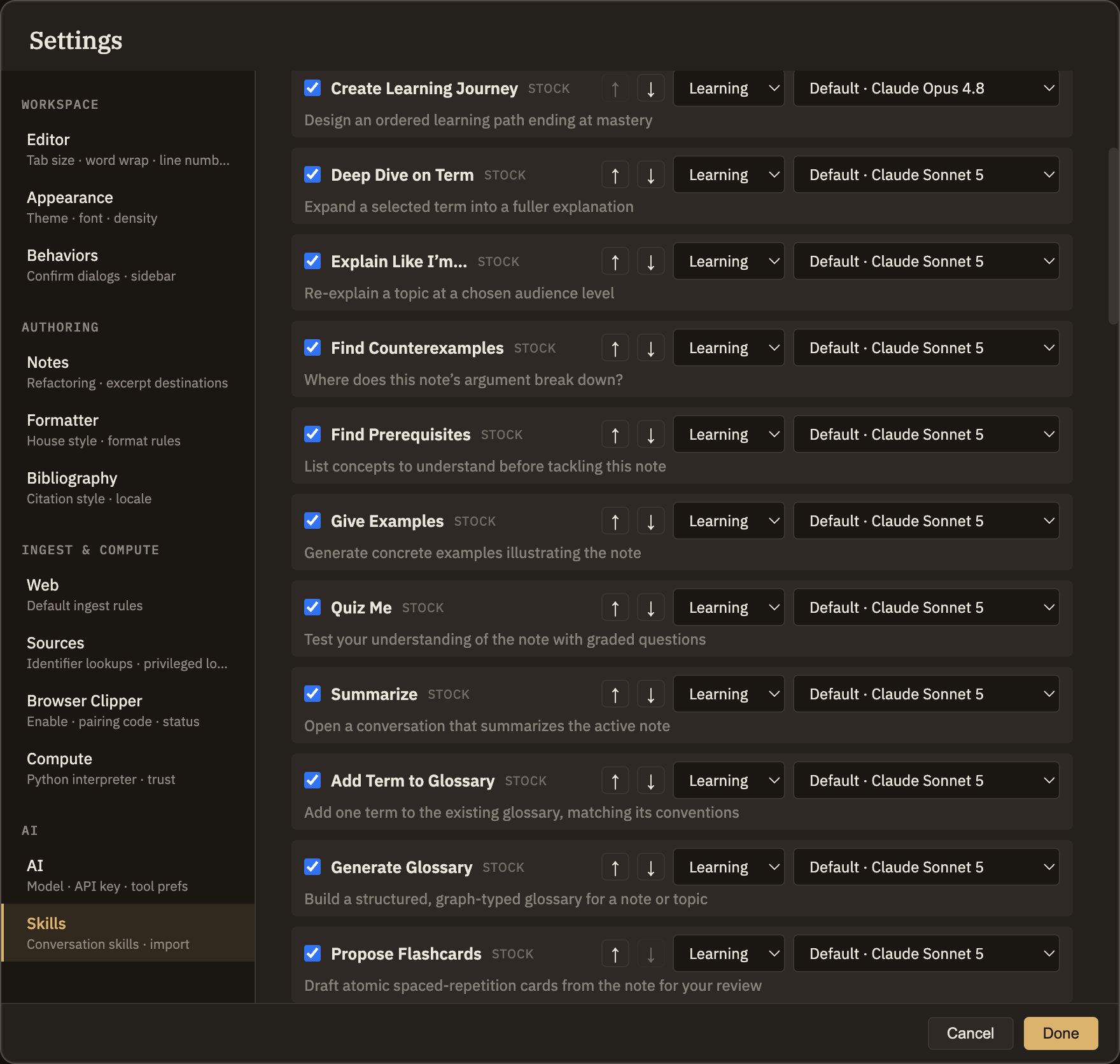
Your thinking tools live in three menus in the menu bar — Learning, Research, and Analysis. They aren't rigid categories, just a helpful division of labor: Learning helps you understand something already in front of you, Research goes out and gathers new material, and Analysis works on a claim or argument you already have. The order reads like a workflow — understand first, then gather, then examine.
What belongs where
Here are a few of the built-in tools in each menu, to give you a feel for the split.
Learning
Tools that work on something you already have open — explain it, expand it, or quiz you on it. Deep Dive on Term expands a word or phrase you've selected into a fuller explanation at the depth you choose, using the surrounding note for context. Explain Like I'm… and Quiz Me are the same shape: nothing new comes in from outside, the tool just changes how you engage with what's already there. See Learning Operations for the full menu.
Research
Tools that go get something — from the web, from your existing notes, or from a source you're reading — and hand it back as a draft for you to keep. Find Sources builds a candidate reading list; you decide which ones are worth actually adding. Extract Key Claims pulls the main claims out of a source, each linked back to the passage it came from. Check Facts tests a specific claim against outside evidence. See Research Operations for the full menu.
Analysis
Tools that operate on a claim, argument, or note you already have — drawing out its structure, its tensions, or a stronger version of it. Steelman builds the strongest possible version of an opposing argument. Find Tensions compares two notes for where they disagree. Doublecrux and Murphyjitsu belong to the same family. This is by far the largest menu, which is why it's the one that benefits most from grouping. See Analysis Operations for the full menu.
Themed groups within a menu
When a menu holds a lot of tools, related ones are gathered into themed submenus — labels like Disagreement, Verification, or Discovery — so you're not scrolling one long list. For example, Steelman and Doublecrux sit together under Disagreement, while Check Facts and Find Primary Sources sit under Verification. Tools that don't belong to a theme simply stay in the menu alongside the submenus. Today the Research and Analysis menus use groups — Analysis, the largest, most heavily; the Learning menu stays a flat list.